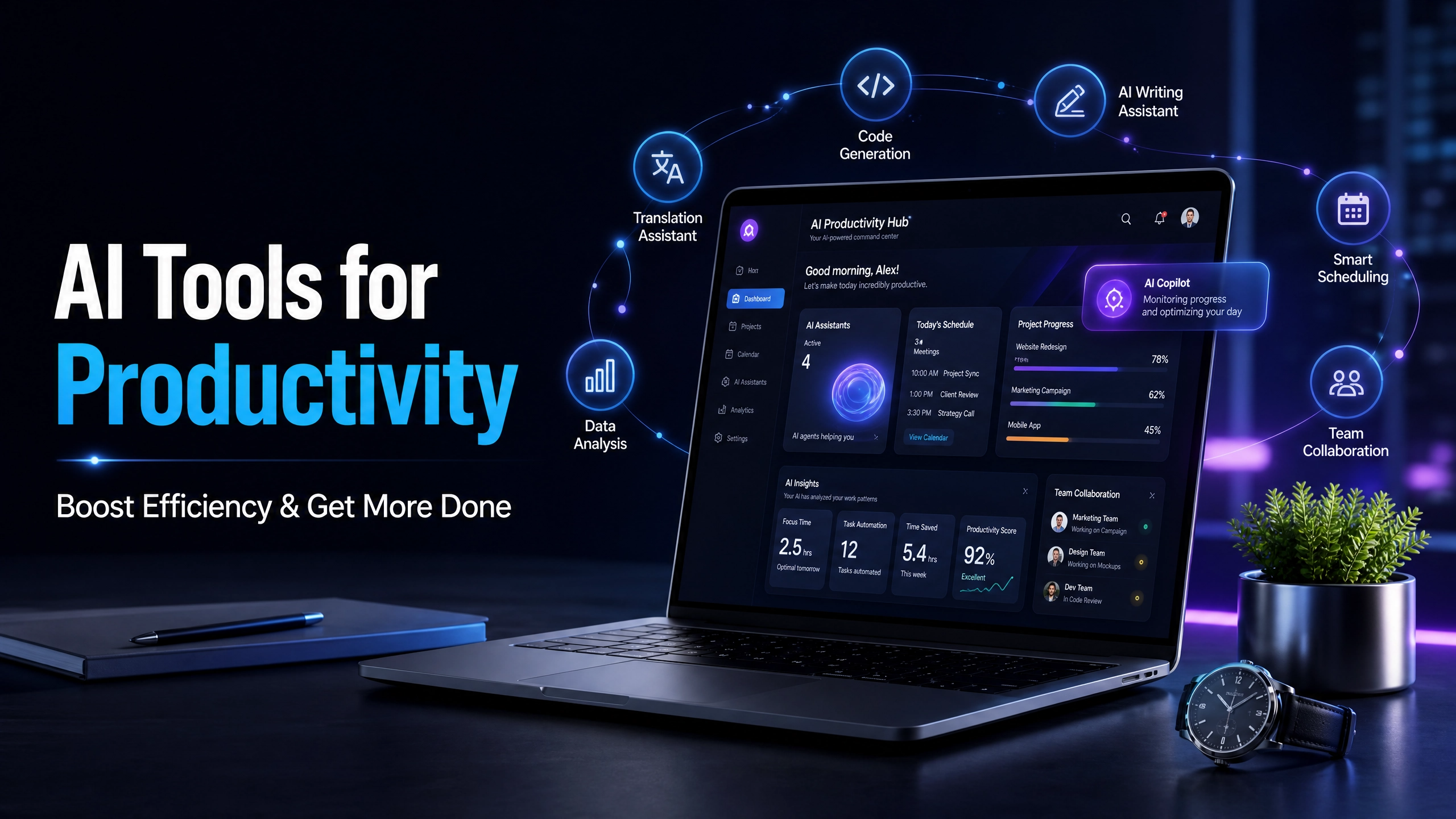

Productivity has always been about finding better ways to manage time, organize tasks, and complete important work efficiently. However, modern professionals, entrepreneurs, students, and businesses face increasing workloads, constant notifications, and endless administrative tasks. This is where AI productivity tools are changing the way people work.
Artificial intelligence is no longer limited to research labs or large corporations. Today, anyone can use AI-powered apps to write content faster, automate repetitive tasks, manage projects, organize information, analyze data, and improve daily workflows.
The best AI tools for productivity act like personal assistants that help you save hours every week. Instead of spending valuable time on repetitive activities, you can focus on creative thinking, decision-making, and high-value tasks.
From AI writing assistants to smart scheduling tools, automation platforms, and intelligent project management software, AI is helping people work smarter—not harder.
In this guide, we will explore the top AI tools for productivity, how they work, and how you can use them to boost efficiency and get more done.
Why AI Productivity Tools Matter
Traditional productivity methods often depend on manual planning, organization, and time management. While techniques like to-do lists, calendars, and task management systems are still valuable, AI adds a new level of automation and intelligence.
AI productivity tools can:
- Automate repetitive tasks
- Generate ideas and content quickly
- Organize information automatically
- Prioritize important work
- Reduce administrative workload
- Improve communication
- Help with decision-making
- Save time and increase efficiency
For example, instead of spending an hour writing an email, an AI assistant can create a professional draft within seconds. Instead of manually organizing meeting notes, an AI note-taking tool can summarize conversations automatically.
The goal of AI is not to replace human creativity but to enhance it.
1. AI Writing Tools for Faster Content Creation
Writing is one of the biggest areas where artificial intelligence has improved productivity. Whether you are creating blog posts, emails, reports, social media content, or marketing materials, AI writing tools can significantly reduce the time required.
AI writing assistants can help with:
- Generating content ideas
- Creating outlines
- Improving grammar
- Rewriting sentences
- Summarizing information
- Adjusting writing tone
- Creating marketing copy
For bloggers, marketers, and business owners, AI writing tools make content creation faster while maintaining quality.
How AI Writing Tools Improve Productivity
Instead of starting with a blank page, you can use AI to create a first draft and then improve it with your own expertise. This approach helps overcome writer’s block and allows you to focus more on strategy and creativity.
AI writing tools are especially useful for:
- Website content
- Email campaigns
- Product descriptions
- Business proposals
- Social media posts
- Research summaries
2. AI Chat Assistants for Everyday Work
AI chat assistants have become some of the most popular productivity tools because they can support many different tasks.
A powerful AI assistant can help you:
- Brainstorm ideas
- Answer questions
- Summarize documents
- Create plans
- Explain complex topics
- Generate reports
- Improve communication
Professionals use AI assistants as virtual coworkers that help speed up daily activities.
For example, a business owner can use AI to create a marketing strategy, while a student can use it to summarize research materials.
The key to getting better results is learning how to write clear instructions, often called prompts. Better prompts lead to more accurate and useful answers.
3. AI Note-Taking Tools for Better Organization
Meetings, lectures, interviews, and brainstorming sessions often create large amounts of information. Remembering every detail manually can be difficult.
AI note-taking tools solve this problem by automatically:
- Recording conversations
- Creating transcripts
- Summarizing discussions
- Identifying important points
- Creating action lists
For remote teams and busy professionals, AI note-taking apps reduce the need to spend extra time reviewing meetings.
Instead of asking, “What did we discuss?” you can quickly access an organized summary with key decisions and next steps.
4. AI Project Management Tools
Managing projects requires planning, communication, and constant tracking. AI-powered project management tools help teams stay organized by automating many administrative tasks.
AI project management features include:
- Automatic task suggestions
- Deadline predictions
- Workflow automation
- Progress tracking
- Team updates
- Risk identification
These tools are useful for companies managing multiple projects because they help teams understand priorities and prevent missed deadlines.
Small businesses and freelancers can also benefit by using AI project tools to organize client work and manage daily responsibilities.
5. AI Scheduling and Time Management Tools
Time management is one of the biggest productivity challenges. Many people spend too much time organizing calendars instead of completing important work.
AI scheduling tools help by:
- Finding available meeting times
- Managing appointments
- Prioritizing tasks
- Creating daily schedules
- Protecting focus time
An AI-powered calendar assistant can analyze your workload and suggest better ways to organize your day.
For example, instead of manually arranging meetings around your tasks, AI can recommend the best schedule based on your priorities.
6. AI Automation Tools to Eliminate Repetitive Work
One of the biggest advantages of AI productivity tools is automation.
Many daily tasks are repetitive:
- Sending emails
- Updating spreadsheets
- Moving information between apps
- Creating reports
- Organizing files
- Responding to common questions
AI automation tools connect different applications and create workflows that run automatically.
For businesses, automation can save hundreds of hours every year.
Examples of tasks that can be automated:
- Customer follow-up emails
- Social media scheduling
- Data entry
- Invoice processing
- Marketing workflows
By automating routine tasks, you create more time for strategic work.
7. AI Research and Information Management Tools
Research can take hours because finding, organizing, and summarizing information requires significant effort.
AI research tools help users:
- Find relevant information faster
- Summarize long documents
- Extract important insights
- Compare information
- Organize knowledge
Students, researchers, writers, and professionals can use AI research assistants to improve learning and decision-making.
Instead of spending hours reading through large amounts of information, AI helps identify the most important details quickly.
8. AI Tools for Remote Workers
Remote work has created new challenges around communication, collaboration, and productivity.
AI tools help remote workers by improving:
- Team communication
- Task management
- Meeting efficiency
- File organization
- Workflow automation
Remote professionals can use AI to manage schedules across different time zones, summarize meetings, and stay organized without constant supervision.
As remote and hybrid work continues growing, AI productivity tools will become increasingly important.
9. AI Tools for Entrepreneurs and Business Owners
Entrepreneurs often handle many roles at once, including marketing, customer service, planning, and operations.
AI tools can act as affordable assistants by helping with:
- Business planning
- Market research
- Customer communication
- Content creation
- Financial analysis
- Marketing strategies
For small businesses, AI provides access to capabilities that previously required entire teams.
An entrepreneur can use AI to create marketing ideas in the morning, analyze customer feedback in the afternoon, and automate administrative tasks by evening.
10. AI Personal Assistants for Daily Productivity
Personal AI assistants help individuals manage everyday responsibilities.
They can assist with:
- Creating reminders
- Planning routines
- Organizing tasks
- Managing information
- Setting goals
- Tracking progress
A good AI assistant helps reduce mental clutter by keeping important information organized.
Instead of trying to remember everything, you can use AI tools as an external productivity system.
How to Choose the Best AI Productivity Tools
With hundreds of AI tools available, choosing the right ones can feel overwhelming. The best tool depends on your specific needs.
Consider these factors:
1. Identify Your Biggest Productivity Problem
Ask yourself:
- Do I spend too much time writing?
- Do I struggle with organization?
- Do I waste time on repetitive tasks?
- Do I need better project management?
Choose tools that solve real problems instead of collecting unnecessary apps.
2. Check Integration Options
The best productivity tools work with the apps you already use.
Look for AI tools that integrate with:
- Email platforms
- Calendar apps
- Project management software
- Cloud storage
- Communication tools
Good integration creates smoother workflows.
3. Consider Ease of Use
A powerful tool is useless if it is difficult to use.
Choose AI tools with:
- Simple interfaces
- Clear features
- Helpful tutorials
- Reliable support
The goal is to save time, not spend more time learning complicated software.
Tips for Using AI Tools Effectively
Give Clear Instructions
AI works best when you provide detailed prompts.
Instead of:
“Write an email.”
Try:
“Write a professional email to a customer explaining a delayed delivery and offering a solution.”
More context creates better results.
Combine AI With Human Creativity
AI is a powerful assistant, but human judgment remains essential.
Always review AI-generated content and add your personal experience, knowledge, and creativity.
Avoid Using Too Many Tools
Using dozens of productivity apps can create more complexity.
Start with a few essential AI tools and build a workflow that works for you.
The Future of AI Productivity Tools
AI productivity technology will continue becoming smarter and more personalized.
Future AI tools will likely:
- Understand individual work styles
- Predict tasks before they become urgent
- Automate more complex workflows
- Provide deeper business insights
- Improve collaboration between humans and machines
The future of productivity is not about working longer hours. It is about using better systems and smarter technology.
People who learn how to use AI effectively will have a significant advantage in the modern workplace.
Final Thoughts
AI productivity tools are changing how people manage work, organize information, and complete tasks. Whether you are a professional, entrepreneur, student, or remote worker, AI can help you save time and improve efficiency.
Also Read: Who Needs Digital Marketing & SEO to Succeed Online?
The best approach is to identify your biggest challenges and choose AI tools that solve those specific problems.
By combining artificial intelligence with human creativity and decision-making, you can build a smarter workflow, reduce unnecessary tasks, and achieve more every day.
The future of productivity is already here—and AI is one of the most powerful tools available to help you get more done.